Citadele Mobile Application

iPhone app: trouble with login or MobileSCAN? Here's how to fix it

We've identified that few iPhone customers are having trouble with login and MobileSCAN in our app. Fixing this is our top priority, and we're already working on a solution with our security partner. In the meantime, we are sharing a few quick steps that will work as a workaround.

Update the app - usually all you need 

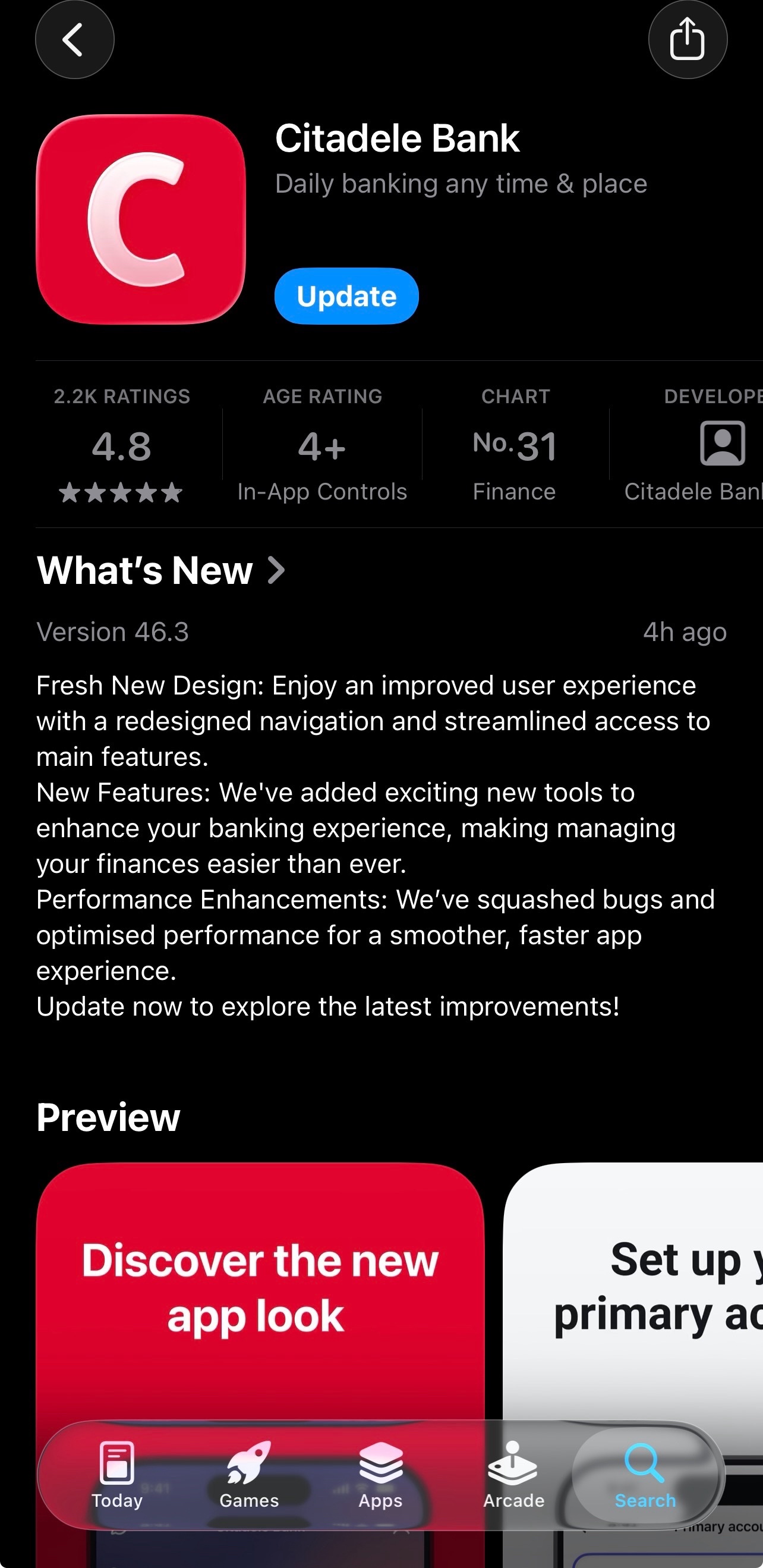
A new version (46.3) has been released and is gradually rolling out to iPhone customers. If it hasn't updated on its own: 

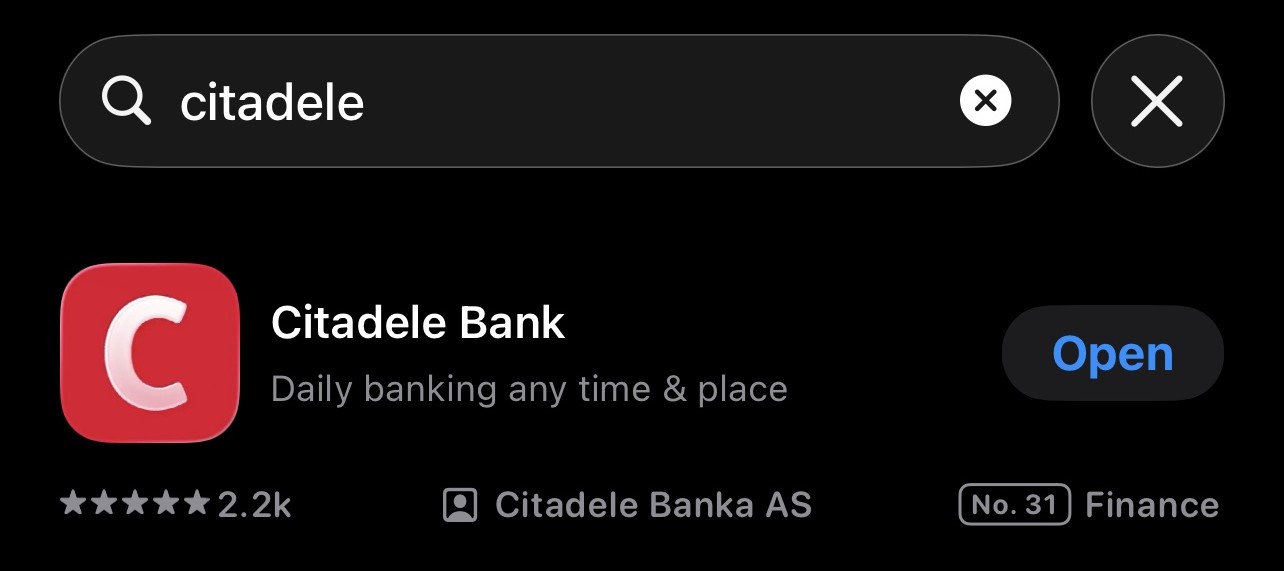
  • Open the App Store and search "Citadele". 
  • Tap on the app icon to open its full page - the Update button only appears there, not in the search results. 
  • Tap Update. (If it says Open, you're already up to date.) 
  • Launch the app.

If MobileSCAN is gone 

Fully close the app (swipe it away) and reopen it first. If MobileSCAN is still missing, delete and reinstall the app, and set up MobileSCAN again - easiest via the full Internet Bank → Mobile services (log in using eParaksts, Mobile-ID or a code card), or through the Recovery process in the app.

If Face ID is gone

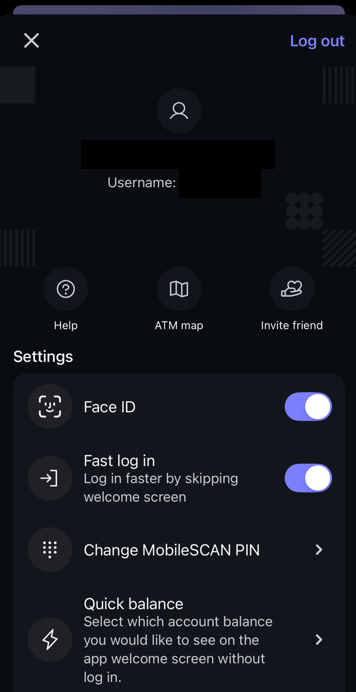
Go to the profile section, and check if the toggle is enabled for the face id. If not, enable it – Face ID should work now.

If the app works fine for you, just keep it up to date.

Still need help? 

If you still experience any issues: 

  • Chat with our virtual assistant Adele, and she'll guide you through the steps to get the app working again;  
  • Or write to us - we will be glad to help. 

Are you satisfied with the answer?