Decision tree

How can we help with authorization device MobilleSCAN?

Do you use your Citadele accounts as an individual?

Do you want to install MobileSCAN for the first time (because you haven't had MobileSCAN before)?

Where would you like to reactivate MobileSCAN?

How do you reactivate MobileSCAN in the app if I have previously already used MobileSCAN?

If your app was transferred from your old device or reinstated from backup, you will have to delete it and reinstall from AppStore/Google Play.

To reactivate MobileSCAN in mobile app, you will need to verify yourself with a selfie and a personal ID document (ID card or passport). 

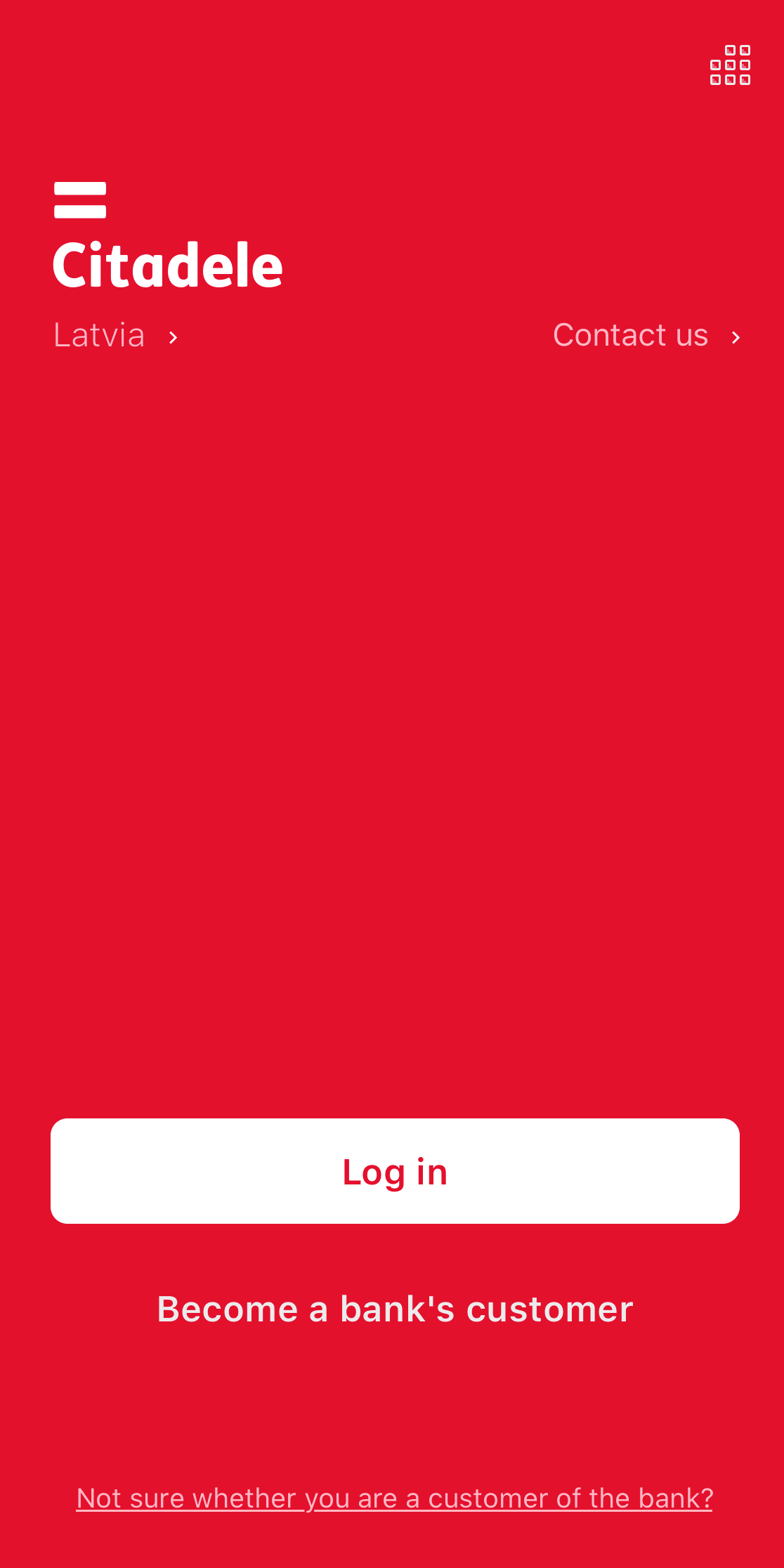
First open the Citadele app and select Log in.

screenshot of the welcome screen in Citadele mobile app

Enter your username and personal code or phone number, and press Continue. Keep in mind that this phone number must match the number listed in your contact information. 

If you can't remember your username, take a look here.
 

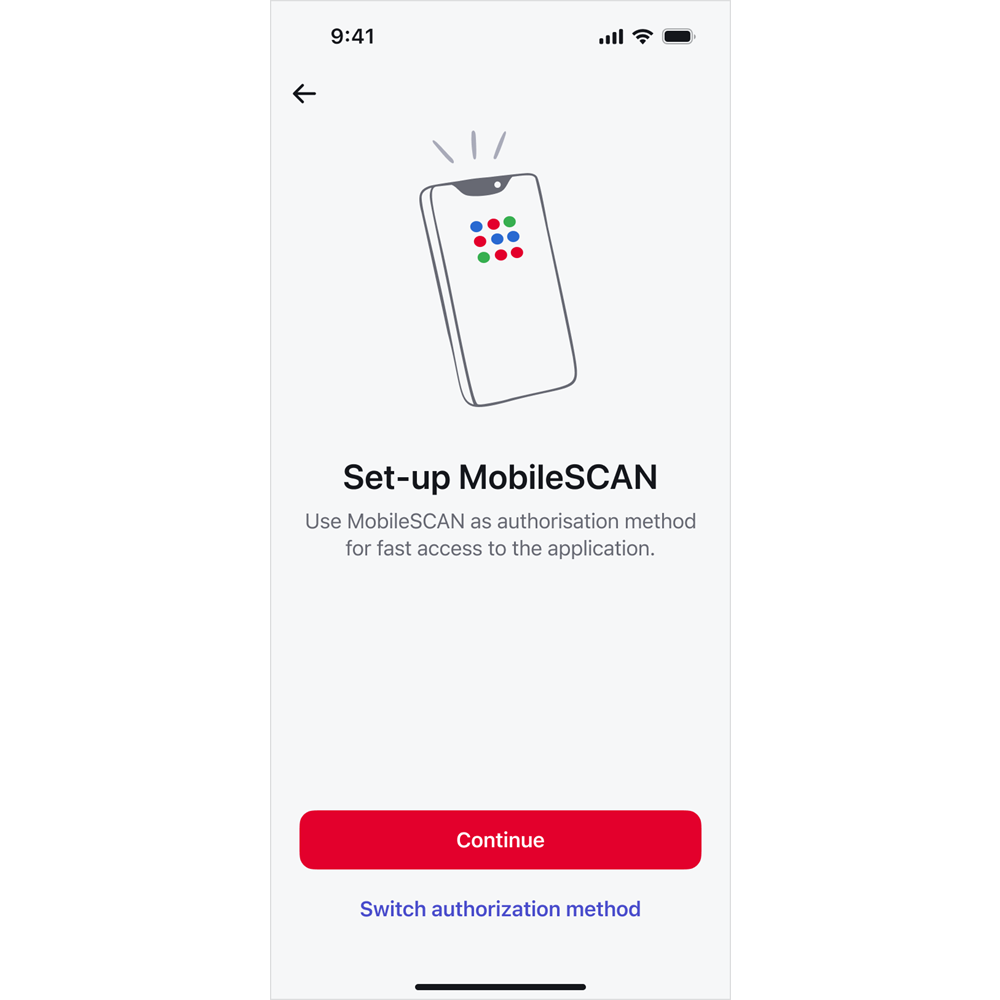
screenshot of the first MobileSCAN set-up screen in Citadele mobile app

You will be taken to the MobileSCAN activation screen. Click on Continue. 

Follow the steps in your phone and your MobileSCAN will be ready to use. 

Please note that this functionality is available for app version 45.6 (or newer) for iOS or 45.5 (or newer) for Android.

Are you satisfied with the answer?

Do you know your Online Banking username?

Where can I find my username for online bank?

You created your username for the Online Bank when you submitted the application called “Application to Activate the Citadele Online Bank”. You can find your online banking username in this application under “Authorisation tool type”.

If you became a Citadele client remotely, you will find your username for the Online Bank in the application called “Confirmation of Receiving Services”, which you signed in the presence of a courier. If you became a client on the app and received your card by mail, you received your username by text to the phone number you indicated.

If you cannot find the application which contains your online bank username, you will have to visit a Citadele branch and bring a form of ID (passport or ID card).

If you have access to the Citadele app, log in to it, click on the profile icon on the top right corner, under your name and surname will be your online bank username.

Are you satisfied with the answer?